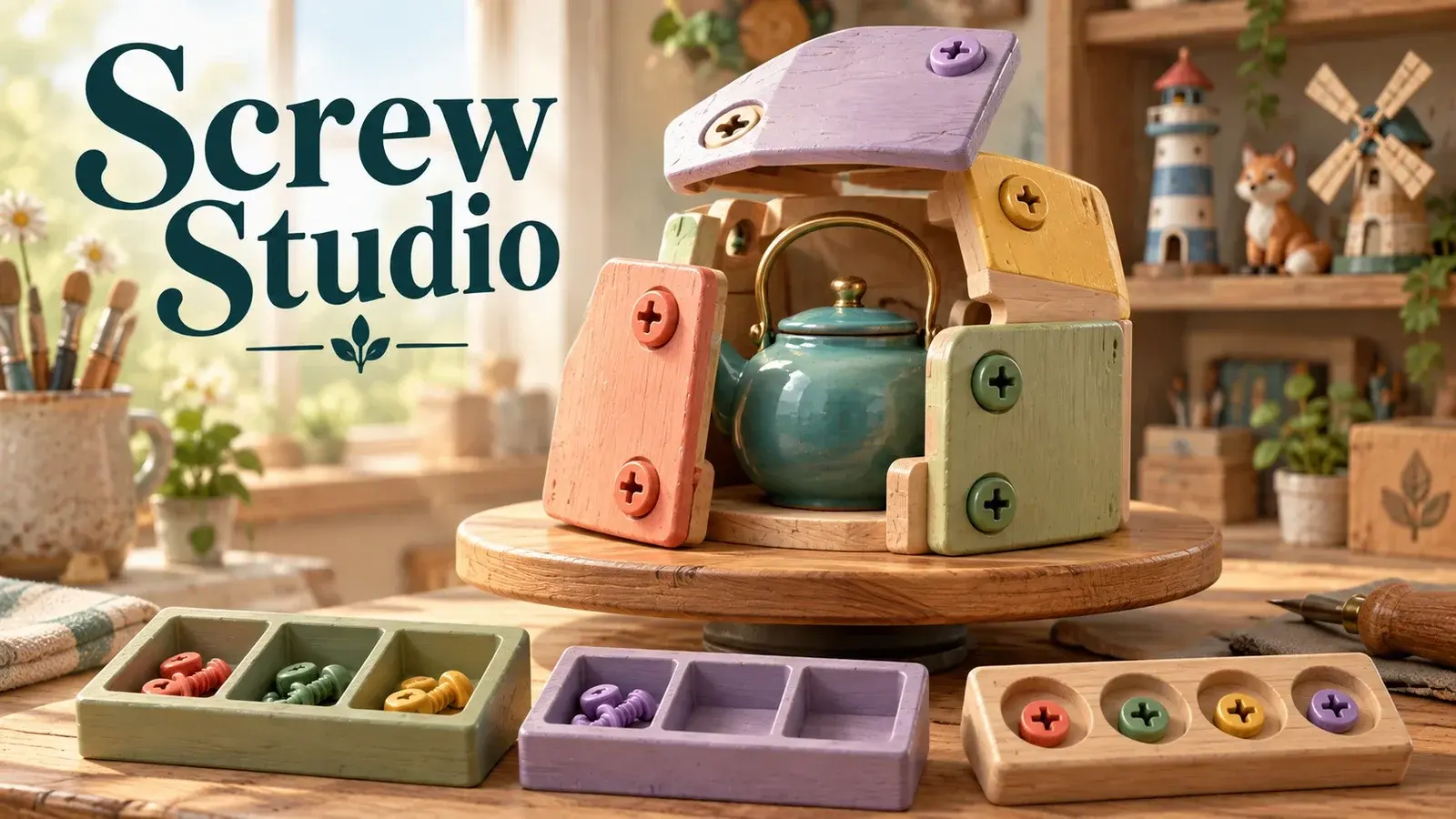
About the game
Uncover twenty handmade miniature sculptures by sorting screws from layered panels. Choose which visible screw to remove, match the two active sorting boxes, and protect the four-slot waiting tray. Removing a panel unlocks the layers behind it. There are no timers or lives, and Undo, Reset and a solution-aware Hint let you recover from a difficult sequence. Finish each sculpture to add it to the studio collection.
How to play
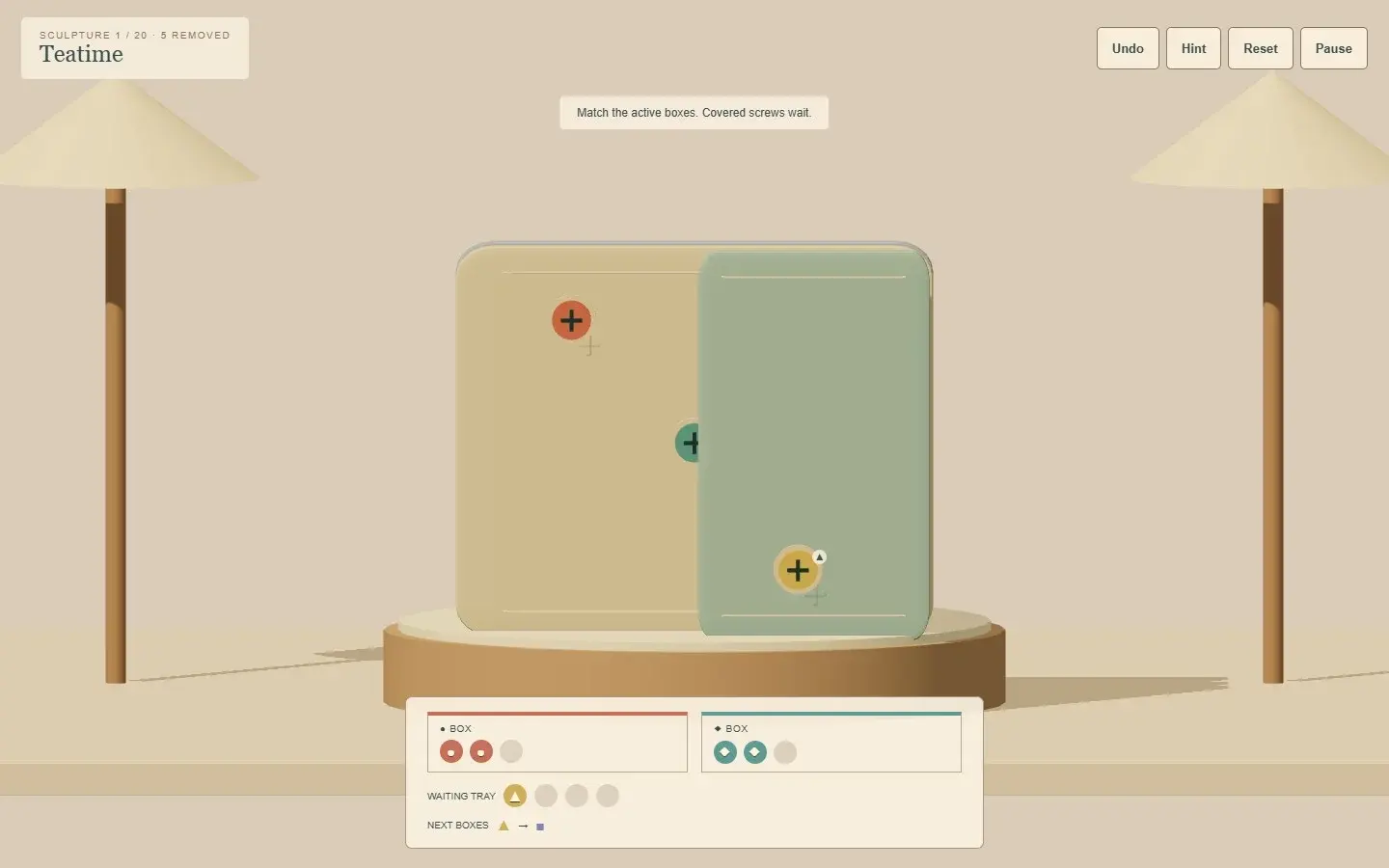
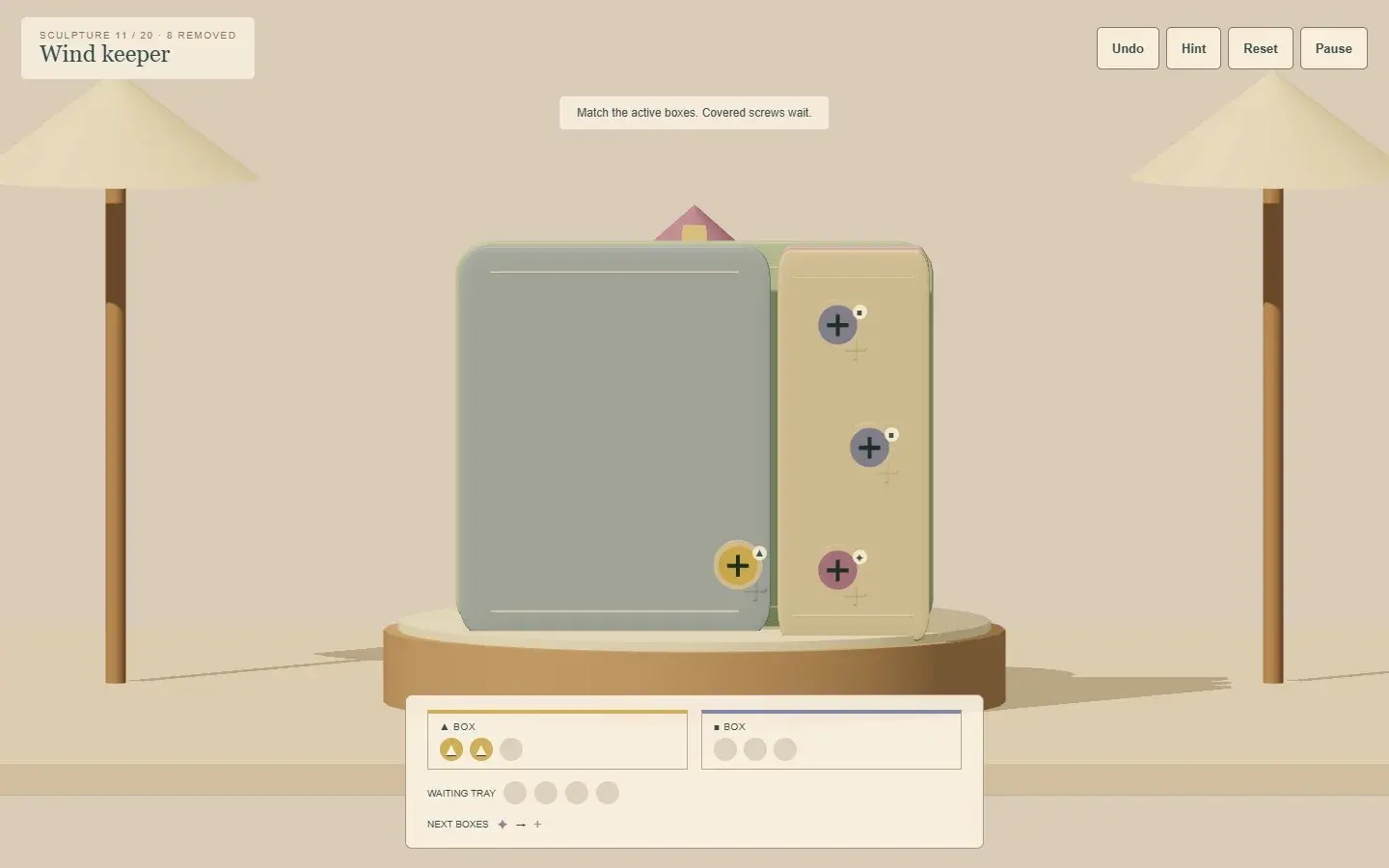
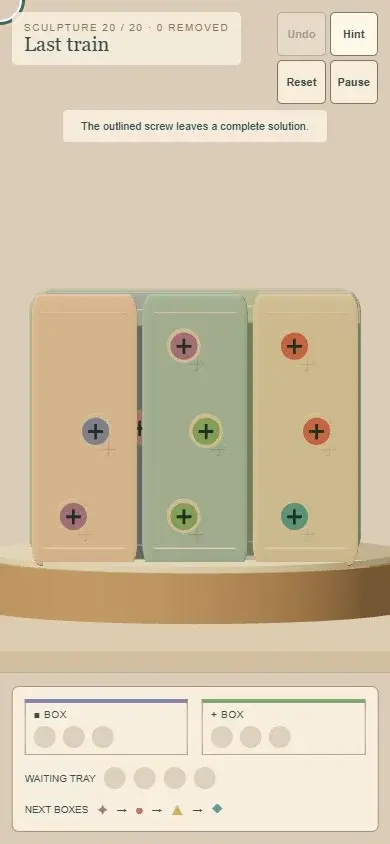
Click or tap an uncovered screw, or Tab to its target and press Enter. Matching screws enter an active three-slot box; others wait in the four-slot tray. Full boxes advance the queue and waiting screws transfer automatically. Clear covering panels to unlock screws behind them. Remove all panels to finish. Use Undo, Hint or Reset when stuck. Pause stops play and animations.
- Devices
- desktop, mobile, tablet
- Orientation
- any
Content notes
Relaxed, untimed sorting puzzles. The sculpture collection and settings last for the current play session.
Screenshots
0 comments
Sign in to join the conversation.